
Home › Custom Spin Wheel
🎨 Build Your Own Wheel Online
Custom Spin Wheel – Spin the Wheel Generator
Design your own spinner wheel online: your entries, your colors, your images and your sounds. Save it, share it and spin the wheel anytime.
16 color stylesImages & texturesSave, share & embed in OBS
Spin the wheel generator
Make Your Own Spinner Wheel Online
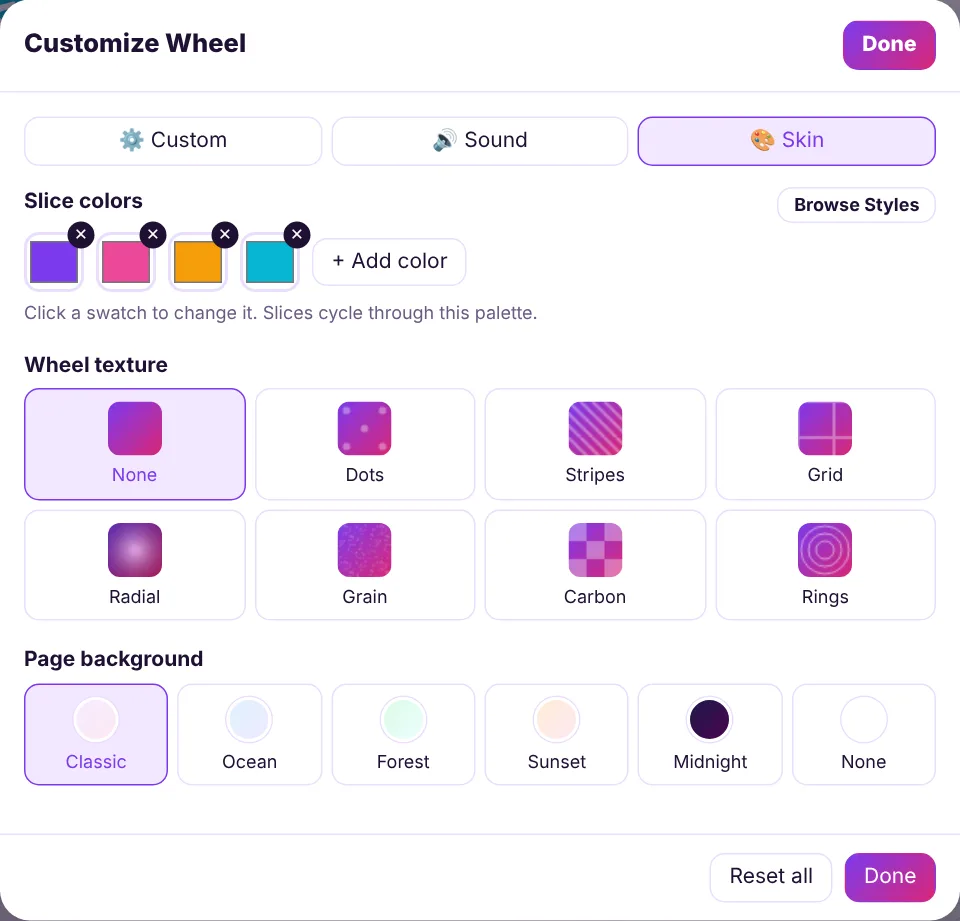
Spinpik is a free spin the wheel generator that lets you build a custom wheel in minutes. Add entries, pick a color style or create your own palette, choose a texture and background, then fine-tune spin time, sounds and confetti.
Your custom wheel is saved in your browser, can be shared with a single link and can even become a transparent overlay for your live stream.
Pro features, free
Control Every Slice of Your Custom Wheel
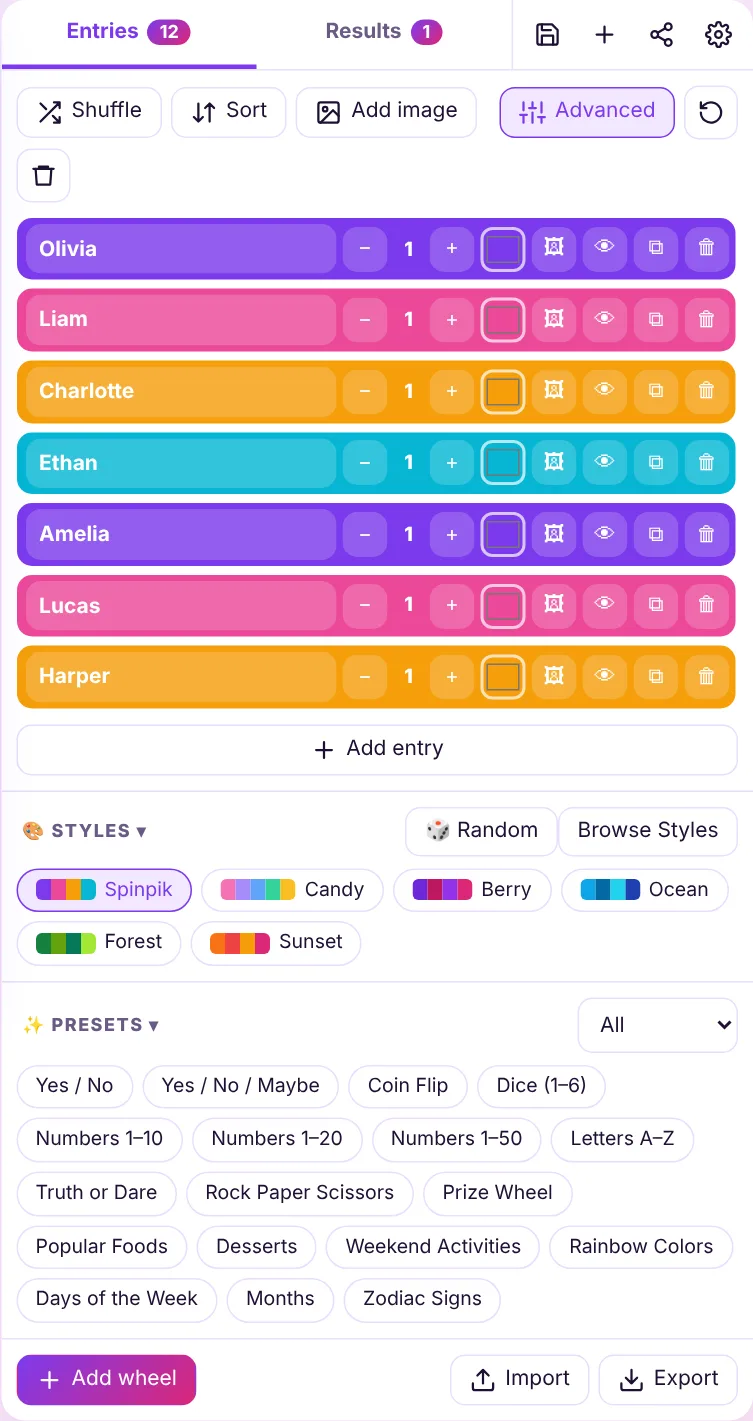
Open Advanced mode to give each slice its own color, attach an image, set a weight or hide it temporarily. It’s everything you need for prize wheels, classroom games and branded event spinners.
How it works
How to Create a Custom Spin Wheel
Five quick steps to your own spinner wheel.
Add entries
Type your options or import a CSV.
Pick a style
Choose colors, texture and background.
Tune the spin
Set duration, sounds and confetti.
Save & share
Keep it in your browser or send a link.
Spin the wheel online
Custom Wheels for Every Purpose
Teachers build custom wheels for vocabulary, math facts and class jobs. Businesses create branded prize wheels for trade shows and stores. Streamers design reward and challenge wheels in their channel colors. Families make chore wheels and dinner wheels.
Need a head start? Browse 35 ready-made templates and customize any of them, or start from scratch right here and spin the wheel online in seconds.
FAQ
Frequently Asked Questions
Keep spinning
More Wheels You’ll Love
Build Your Custom Wheel Now
Your entries, your colors, your rules – free.