Home › Free Tools › OBS Wheel Studio
✨ 100% Free · No Sign-Up · Works on Any Device
OBS Wheel Studio
Build a wheel and add it to OBS, Streamlabs or any streaming app as a transparent browser-source overlay.
Overview
A Spinning Wheel for Your Live Stream
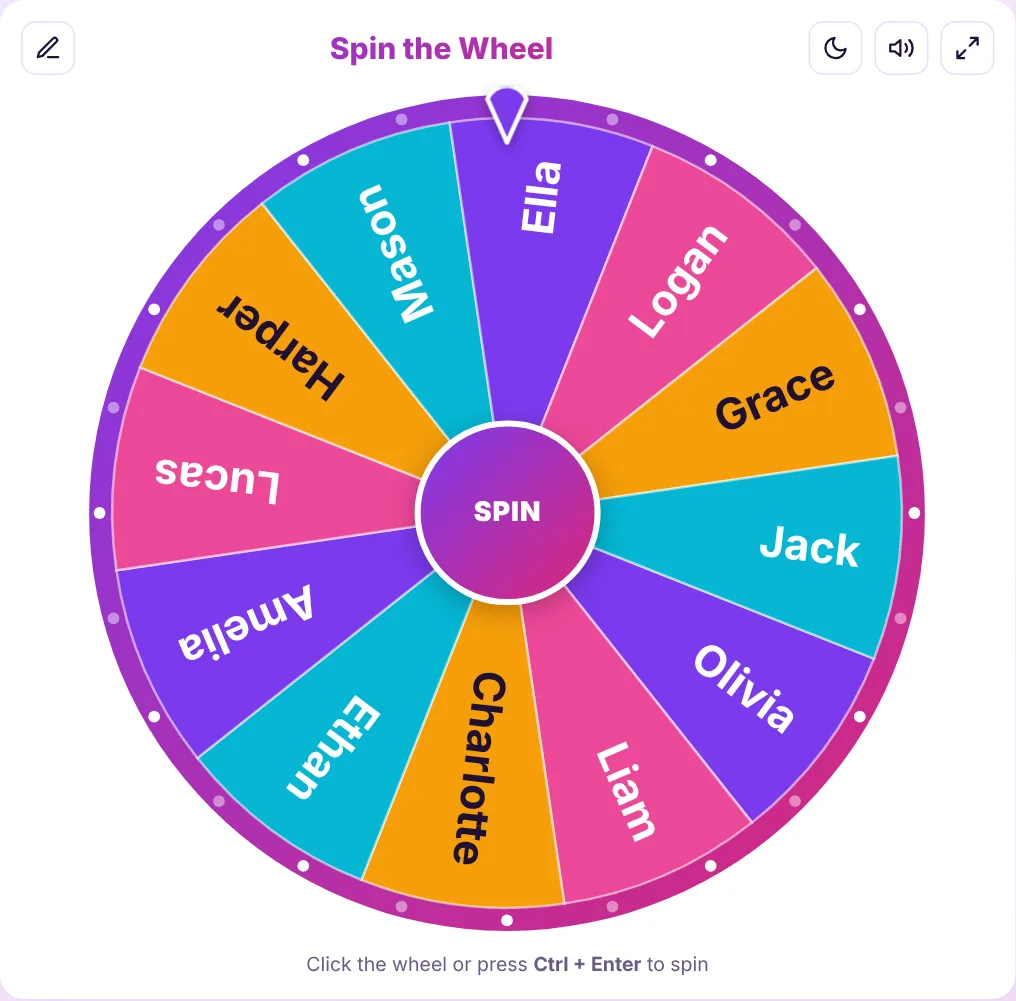
Viewers love interactive moments. With OBS Wheel Studio you can design a custom wheel – rewards, challenges, viewer games or giveaway names – and drop it straight into your stream as a browser source.
The overlay link removes the editing panel and page background, leaving just a clean, transparent wheel with sounds and confetti. It works in OBS Studio, Streamlabs Desktop, XSplit and any software that supports browser sources.
Step by step
How to Add the Wheel to OBS
Step 1
Customize the wheel above: entries, colors, sounds, confetti and spin time.
Step 2
Click Generate OBS link and copy it.
Step 3
In OBS, add a new Browser source, paste the link and set the size to 800 × 800.
Step 4
Right-click the source and choose Interact to click the wheel and spin it live.
Features
Built for Streamers
Everything you need for an engaging, on-brand overlay.
Transparent Background
Only the wheel appears on stream – no page, no panel.
Your Brand Colors
Use color styles, custom slice colors and textures.
Sound & Confetti
Ticks, winner chimes and celebration effects for viewers.
Images on Slices
Show game icons, emotes or prize photos on the wheel.
Weighted Entries
Make rare rewards rarer with entry weights.
No Install
Runs in OBS’s built-in browser – nothing to download.
Use cases
Stream Ideas
FAQ
Frequently Asked Questions
Keep exploring
More Free Tools
Need a Bigger Wheel Toolkit?
Explore templates for games, giveaways and challenges you can load in one click.