16 Entries Ready
The wheel is preloaded – spin right away or edit the list.
Educational Tools
Part of our free educational tools collection.
Fair & Secure
Every spin uses your browser’s secure random generator.
About this wheel
Random Fruit Picker Wheel: How It Works
The Random Fruit Picker is a simple, colorful wheel full of everyday fruits. Teachers use it for vocabulary and nutrition lessons, and parents use it to pick a healthy snack.
Kids love watching the wheel spin to see which fruit they get. Swap in vegetables or snacks to make your own healthy-choices wheel.
Step by step
How to Use the Random Fruit Picker Wheel
Four quick steps from open to result.
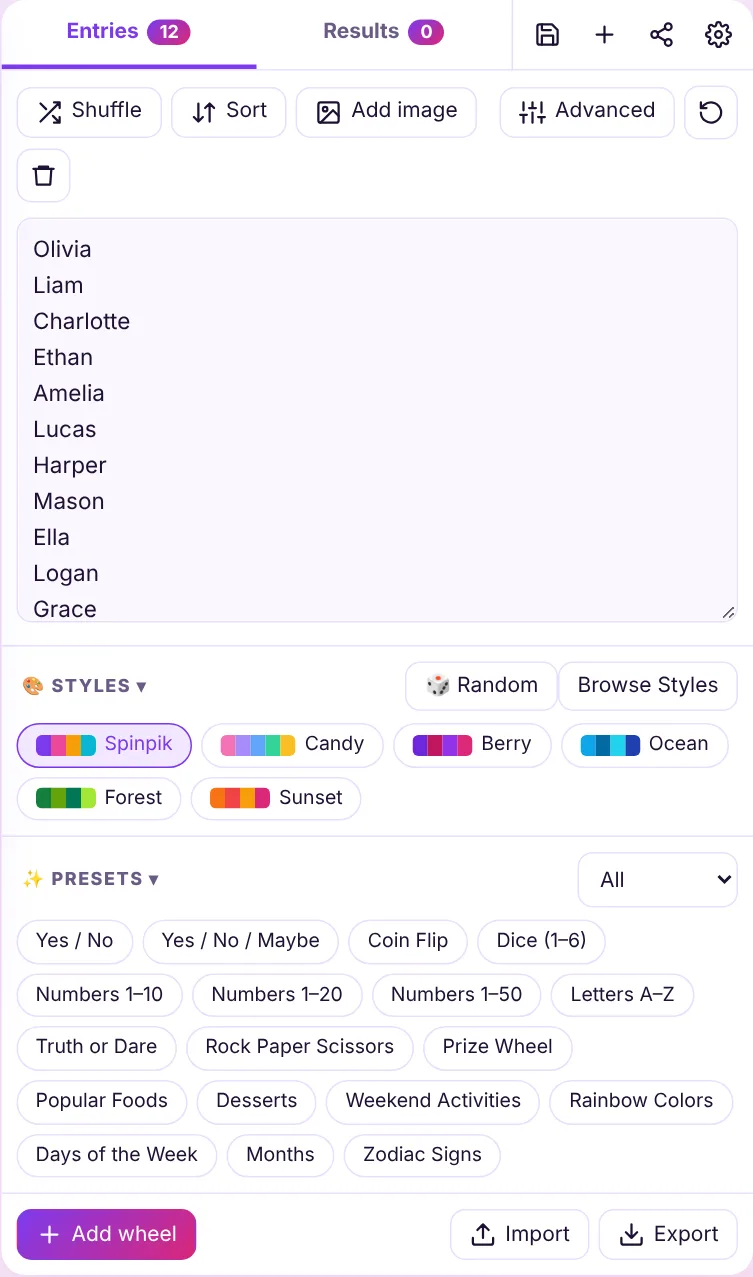
Check the entries
Review the preloaded list or edit it to fit your group.
Customize
Pick colors, sounds and spin time with the gear icon.
Spin
Click the wheel, press SPIN or use Ctrl + Enter.
Get your result
See the winner, then remove it or spin again.
Popular uses
Ways to Use the Random Fruit Picker Wheel
Pro tips
Get More From Your Wheel
Use Auto-Remove
Turn on Auto-remove winner so every student gets a turn before anyone repeats.
Go Fullscreen
Project the wheel on a smart board with the fullscreen button for the whole class.
Save Class Lists
Save each class roster as its own wheel and reopen it in one click.
FAQ
Frequently Asked Questions
Keep spinning
Related Wheels
Explore More Wheel Templates
Ready-made wheels for classrooms, games, food, decisions and more.