16 Entries Ready
The wheel is preloaded – spin right away or edit the list.
Entertainment
Part of our free entertainment collection.
Fair & Secure
Every spin uses your browser’s secure random generator.
About this wheel
Random Game Character Picker: How It Works
Tired of picking the same main every game? The Random Game Character Picker chooses a role or class for you, adding variety and challenge to online matches and tabletop campaigns.
The template uses classic roles found across many games. Replace them with the exact heroes or champions from your favorite game to make a custom picker.
Step by step
How to Use the Random Game Character Picker
Four quick steps from open to result.
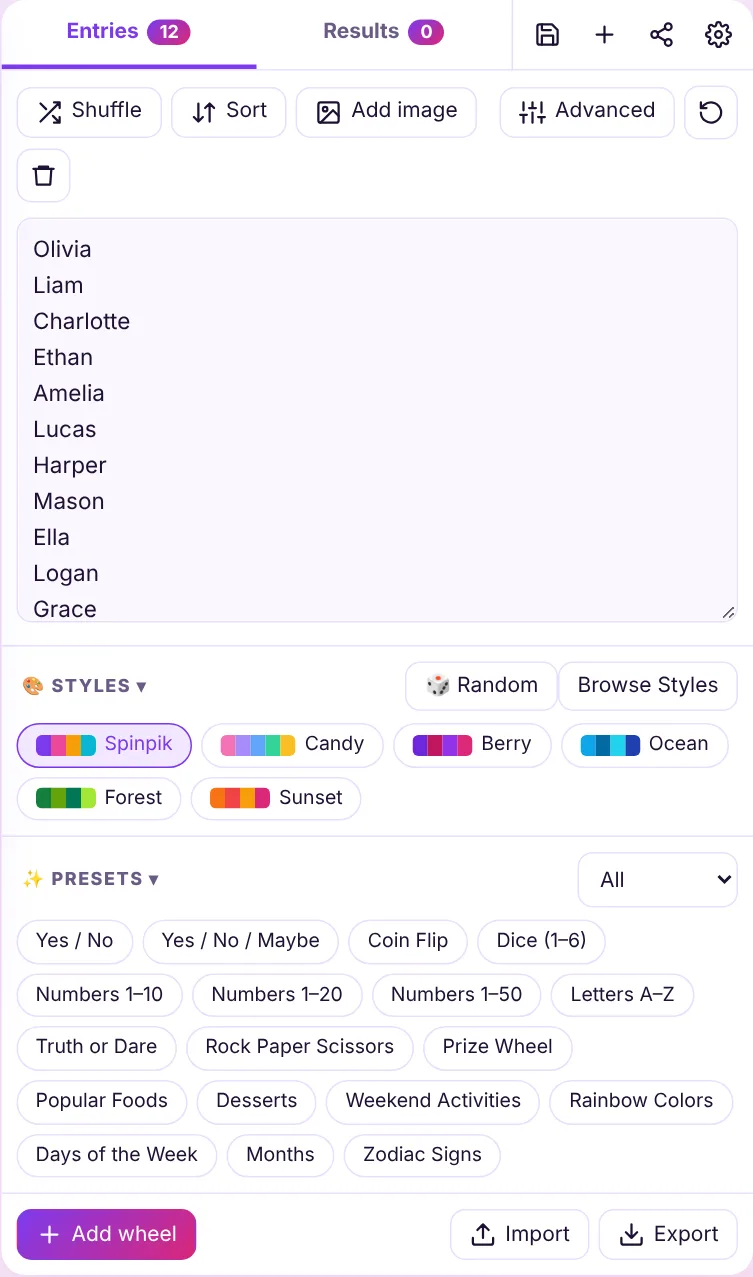
Check the entries
Review the preloaded list or edit it to fit your group.
Customize
Pick colors, sounds and spin time with the gear icon.
Spin
Click the wheel, press SPIN or use Ctrl + Enter.
Get your result
See the winner, then remove it or spin again.
Popular uses
Ways to Use the Random Game Character Picker
Pro tips
Get More From Your Wheel
Stream It
Add the wheel to OBS as a transparent overlay with OBS Wheel Studio.
Set Weights
Make rare outcomes rarer with entry weights in Advanced mode.
Turn Up the Fun
Pick a confetti effect and winner sound in Customize for big reactions.
FAQ
Frequently Asked Questions
Keep spinning
Related Wheels
Explore More Wheel Templates
Ready-made wheels for classrooms, games, food, decisions and more.